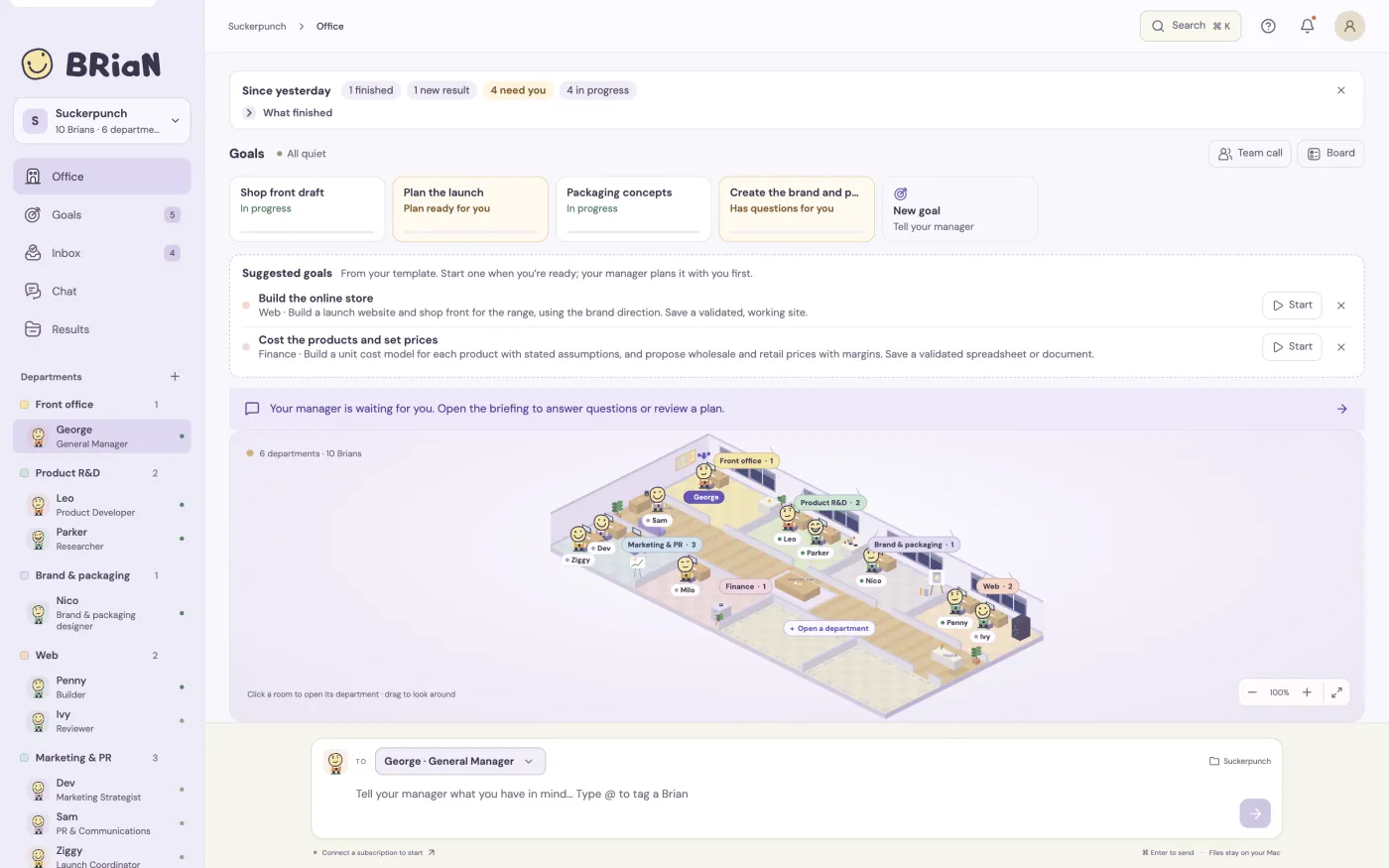
See the office
Every department, every Nev, and what each one is working on right now.
On your phone · Coming soon
Nev for iPhone and Android is coming soon to the App Store and Google Play. Pair it with the Nev on your Mac to check progress, answer your team's questions, read reports and approve emails and posts, at home or out and about.
Follow along for the launch
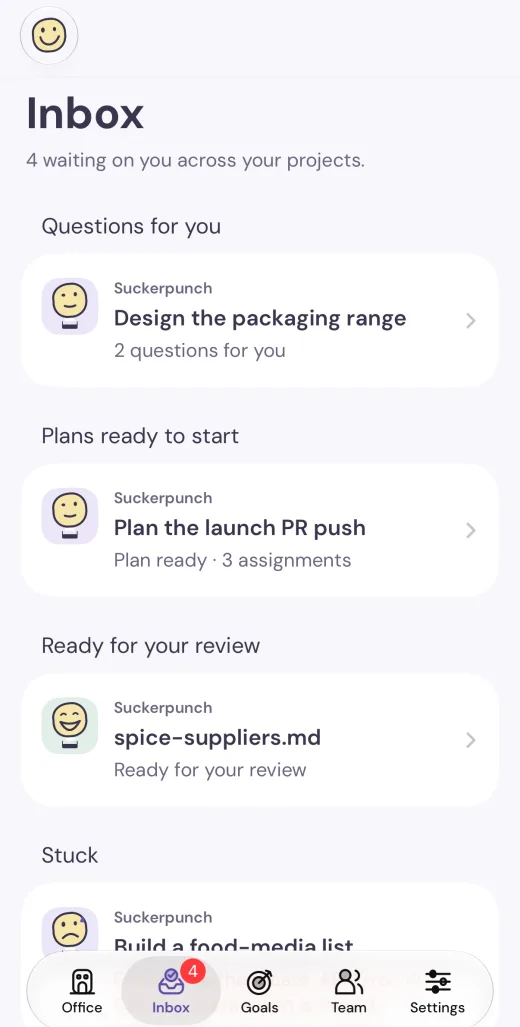
The office runs on your Mac. The phone is how you stay in the loop when you step away from it.
Every department, every Nev, and what each one is working on right now.
When Penny needs a decision or a Nev is stuck, reply from wherever you are, so the work keeps moving.
Read the report, see exactly what goes out, and accept it. Anything the phone can't show in full waits for you on your Mac. How approvals work
Brief your manager in a few words, or talk to Nev out loud. You read the words before they're sent.
You don't need to keep opening the app. A notification arrives when someone needs you, like “Ivy is waiting for your approval”. If you'd rather the lock screen didn't show details, switch them off on your Mac and it only says something needs you.
The office runs on your computer, right next to your files. Your phone pairs with it once and then reaches it from anywhere, end-to-end encrypted, so you stay in the loop when you step out.
The whole office: HQ across your projects, your Nevs, goals and reports, the Library, the live browser and every approval. Everything runs and saves locally.
Get the Mac app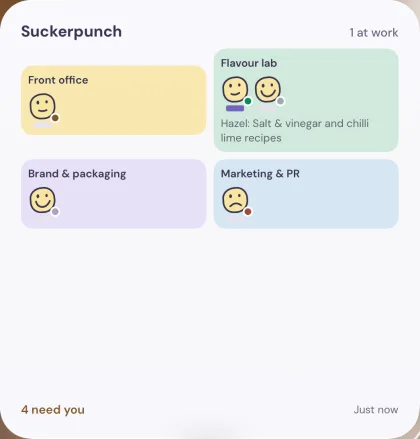
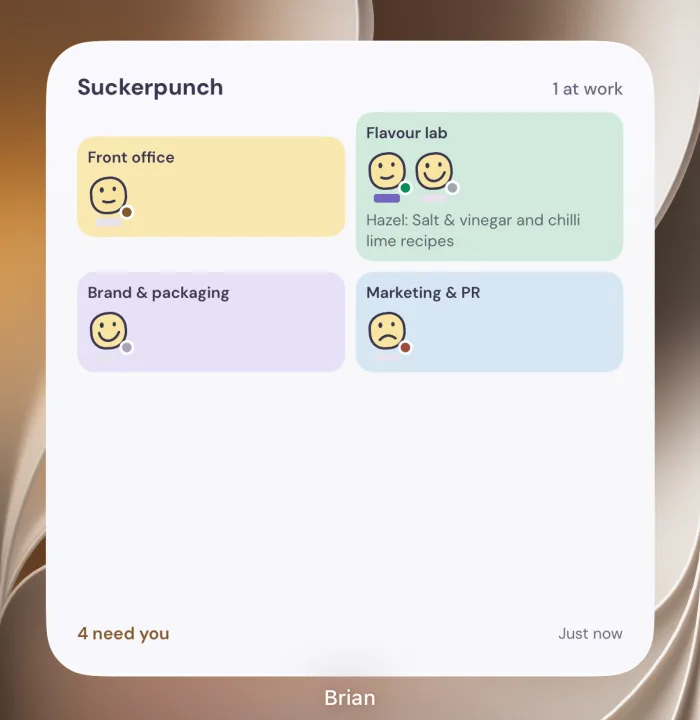
Pair it with your Mac to see your office, answer questions, read and accept reports, approve emails and posts, and talk to your team. Notifications and home screen widgets show who needs you.
Works away from home too. Anything it can’t show in full is approved on your Mac.
The Android companion is built and on its way to Google Play, with the same office, reports, approvals and notifications.
The full office for Windows PCs is on the list, after the Mac.
The whole office on your Windows 10 or 11 PC, with widgets for the Windows 11 widgets board.
Download for WindowsThe phone apps will come with every plan, Free Nev included. Meanwhile, the office on your Mac already runs routines by themselves, so there's plenty for your phone to report on.
Yes, once the app is out. You'll be able to read reports and approve emails and posts from your iPhone. Anything the phone can't show in full is approved on your Mac.
Yes. The office and your files live on your Mac, so it needs to be awake with Nev running. The phone is a companion that reaches it from anywhere, end-to-end encrypted.
It's coming soon to the App Store. Follow Nev on Instagram, TikTok or Discord to hear the day it lands.
Yes, it's built and coming soon to Google Play, with the same office, reports, approvals and notifications as the iPhone app.
Not yet. Windows is coming soon, after the Mac. Right now the office runs on Macs with Apple silicon. See download.
Free for 14 days, on the AI plan you already pay for. Nothing sends, spends or publishes until you say so.