An Apple silicon Mac
Nev is built for Macs with Apple silicon. The office, your files and the work all live on that Mac, and it needs an internet connection to reach your AI plan.
The AI agent app for Mac
Download Nev, connect the ChatGPT or Claude plan you already pay for and meet your AI team in minutes. Free to try: 14 days of the full Nev plan, then Free Nev for as long as you like. For Apple silicon Macs.
Three things, and you probably have two of them already.
Nev is built for Macs with Apple silicon. The office, your files and the work all live on that Mac, and it needs an internet connection to reach your AI plan.
Your Nevs think with the plan you already pay for: ChatGPT through OpenAI Codex, or Claude through Claude Code. Nev never adds an AI bill.
You create one when you first open the app. It's free, and it's where your trial and plan live. Compare plans on the pricing page.
From download to a team at work. Nev's setup guide walks you through each step, and you can pause it and come back.
Open the download and drag Nev into your Applications folder. From then on, Nev checks for updates itself and keeps your projects and sign-ins when it updates.
Create your Nev account or sign in. Your 14-day trial of the full Nev plan starts from inside the app.
Sign in with your own ChatGPT or Claude account. Nev runs a small, real test so you know the connection works before you hand anything over. Got both? Connect both.
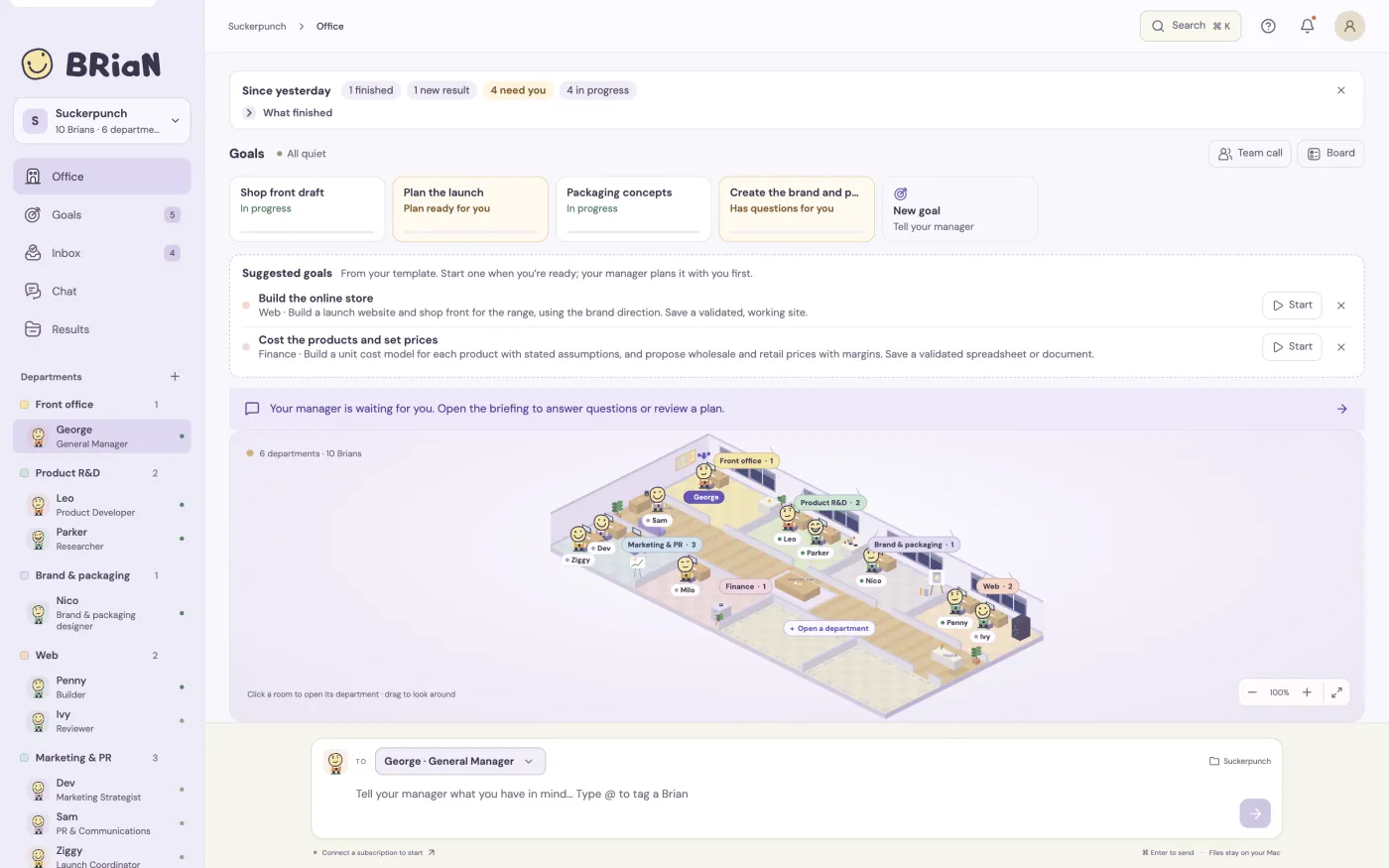
Your office opens with a manager and a small team. Pick or create a project, and point it at any folders it should know about.
Say it like you'd tell a person, such as a competitor price check. The team plans it, does it and reports back. Anything that sends, spends or publishes waits for your yes.
The office runs on your computer, right next to your files. Your phone pairs with it once and then reaches it from anywhere, end-to-end encrypted, so you stay in the loop when you step out.
The whole office: HQ across your projects, your Nevs, goals and reports, the Library, the live browser and every approval. Everything runs and saves locally.
Get the Mac app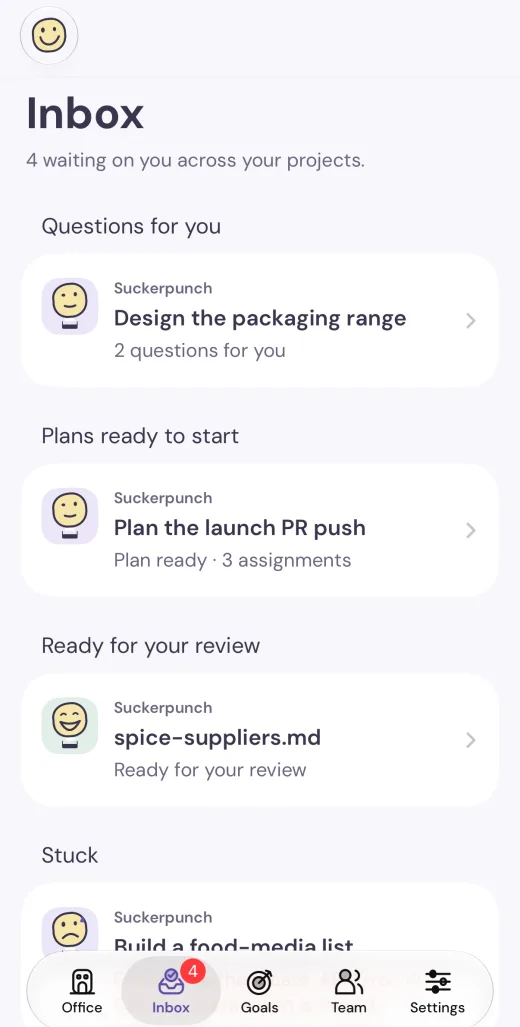
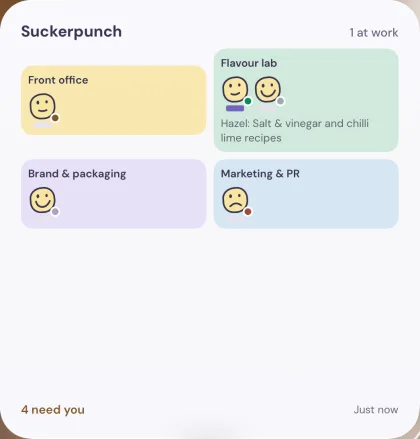
Pair it with your Mac to see your office, answer questions, read and accept reports, approve emails and posts, and talk to your team. Notifications and home screen widgets show who needs you.
Works away from home too. Anything it can’t show in full is approved on your Mac.
The Android companion is built and on its way to Google Play, with the same office, reports, approvals and notifications.
The full office for Windows PCs is on the list, after the Mac.
The whole office on your Windows 10 or 11 PC, with widgets for the Windows 11 widgets board.
Download for WindowsA Mac with Apple silicon, with an internet connection so your Nevs can reach your ChatGPT or Claude plan. Your Mac needs to be awake, with Nev running, for the team to work.
Not at the moment. Nev is built for Apple silicon Macs.
Not yet. Windows is coming soon, after the Mac. The iPhone and Android apps are coming soon to the App Store and Google Play too.
You need a ChatGPT or Claude plan. Nev connects to ChatGPT through OpenAI Codex and to Claude through Claude Code on your Mac, and the setup guide walks you through signing in and tells you if anything else is needed.
Yes. You get 14 days of the full Nev plan. After that, pick a plan from $9 a month in US dollars, or stay on Free Nev with one project and three Nevs for as long as you like. See pricing.
On your Mac. Your projects and files stay there, in ordinary folders you can open in Finder. What a Nev sends to ChatGPT or Claude to do the work follows their terms.
Free for 14 days, on the AI plan you already pay for. Nothing sends, spends or publishes until you say so.